

Workflow automation transforms how businesses operate. When combined with AI capabilities, automation becomes even more powerful – but also potentially expensive. n8n, the open-source workflow automation platform, provides unique advantages for controlling AI costs while scaling intelligent automation across your organization.
This article continues our AI cost optimization series. For a broader context, see our guides on reducing AI costs and choosing between self-hosted and API-based AI.
Why n8n for AI-Powered Automation
n8n offers several advantages that make it particularly well-suited for cost-conscious AI integration. Understanding these capabilities helps organizations build automated systems that scale without runaway costs.
Visual Workflow Design
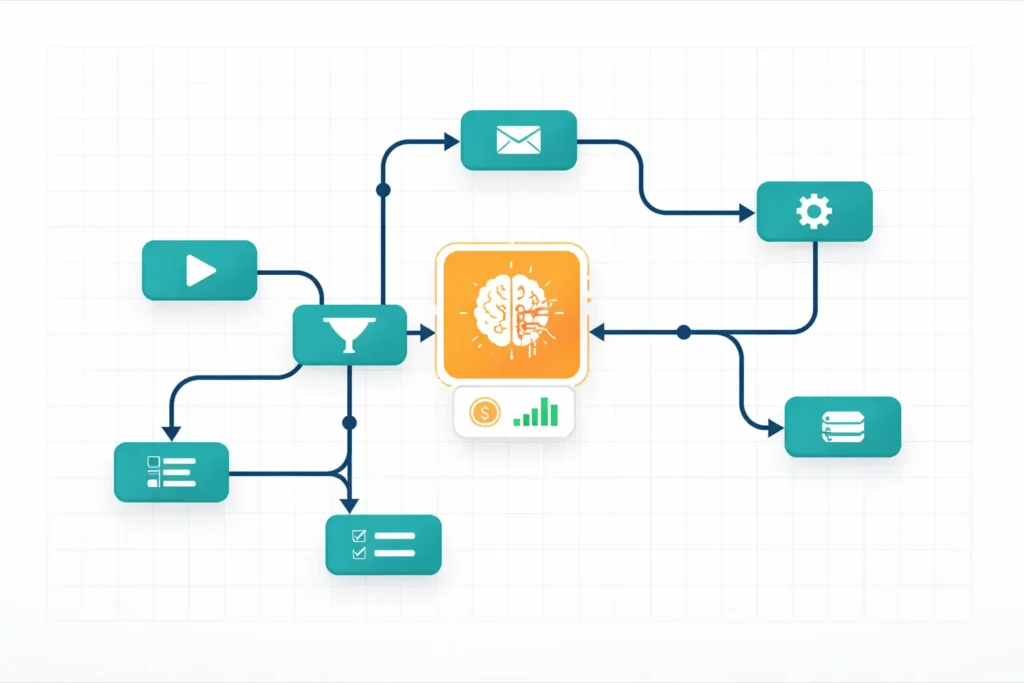
n8n’s visual interface makes AI integration accessible to business teams, not just developers. Drag-and-drop workflow design means operations managers can build and modify AI-powered processes without coding. This democratization accelerates adoption while maintaining oversight.
Visual workflows also make cost implications transparent. Each node in a workflow represents a step – including AI calls. Teams can see precisely where AI costs occur and optimize accordingly.
Self-Hosted Control
Unlike many automation platforms, n8n can run entirely on your infrastructure. This matters for AI integration because it enables caching, logging, and cost controls at the platform level. You control the data flow, the execution environment, and the integration patterns.
Self-hosting also eliminates per-execution fees charged by other platforms. Automating high-volume processes alone can save thousands monthly.
Extensive Integration Library
n8n connects to over 400 services, including all major AI providers: OpenAI, Anthropic Claude, Google AI, Azure OpenAI, and open-source models. This flexibility lets you route different tasks to appropriate providers based on cost and capability requirements.
Cost Control Patterns in n8n
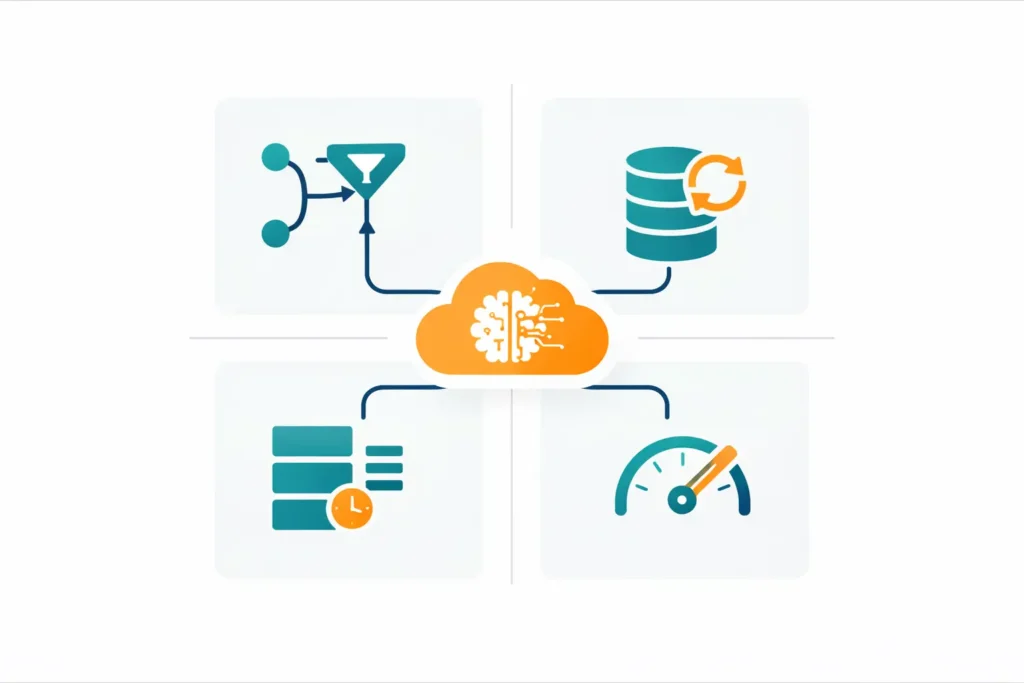
Effective AI cost management requires intentional workflow design. These patterns help organizations control expenses while maintaining the value of automation.
Conditional AI Routing
Not every automated task requires AI processing. Intelligent workflows evaluate whether AI is necessary before making API calls. A customer inquiry about business hours doesn’t need AI – a simple database lookup suffices. Complex inquiries route to AI; simple ones don’t.
n8n’s IF nodes and Switch nodes enable this routing logic. Workflows can check message length, keyword presence, customer tier, or any other criteria before deciding whether to invoke AI. Each avoided API call saves money.
Caching Within Workflows
n8n workflows can implement caching that persists AI responses for reuse. When a workflow processes similar requests, it checks the cache before calling AI APIs. Cache hits return instant results at zero marginal cost.
Implement caching by adding database or Redis nodes that store AI responses with semantic keys. Subsequent workflow executions check the cache first, calling AI only when cached responses don’t exist or have expired.
Batch Processing
Real-time AI processing isn’t always necessary. n8n’s scheduling capabilities enable batch processing that optimizes API usage. Instead of processing each item immediately, workflows collect items and process them together during off-peak hours or scheduled windows.
Batch processing also enables request optimization. Multiple items can sometimes be processed in a single AI call rather than separate calls, reducing overhead and cost.
Rate Limiting and Throttling
n8n workflows can implement rate limiting that prevents runaway costs. Set maximum executions per hour, day, or month. When limits approach, workflows can queue requests, notify administrators, or gracefully degrade to non-AI alternatives.
This protection matters especially during unexpected traffic spikes. Without limits, a viral social media mention could generate thousands of AI-processed inquiries within hours, creating unexpected, high costs.
Practical Use Cases
Understanding where n8n + AI delivers value helps organizations prioritize automation investments.

Intelligent Email Processing
Incoming emails trigger workflows that classify content, extract key information, and route to appropriate teams. AI handles classification and extraction; n8n manages the routing and actions. Caching ensures repeated inquiry types don’t generate new AI calls.
Cost control: Simple emails (auto-replies, spam) are filtered out before AI processing. Only emails requiring intelligent handling invoke AI APIs.
Document Processing Pipelines
Uploaded documents flow through workflows that extract text, classify document types, and pull structured data. AI handles the understanding; n8n orchestrates the pipeline and stores results.
Cost control: Document type detection uses lightweight classification before expensive extraction. Already-processed document types use cached extraction patterns.
Customer Support Automation
Support tickets trigger workflows that analyze sentiment, suggest responses, and escalate appropriately. AI provides the intelligence; n8n manages the integration with the support process.
Cost control: Tier-based routing sends simple inquiries to cheaper models. Premium customer tickets route to capable models—response suggestions cache for common issues.
Content Generation Workflows
Marketing teams trigger workflows that generate social posts, email variations, or product descriptions. AI creates the content; n8n manages approvals, scheduling, and distribution.
Cost control: Template-based generation reduces AI workload. Generated content caches for reuse across channels. Batch processing generates weekly content in single sessions.
Implementation Considerations
Successful n8n + AI deployment requires attention to several factors beyond workflow design.
Monitoring and Visibility
Track AI costs per workflow, per use case, and over time. n8n’s execution logs combined with AI provider dashboards provide this visibility. Set up alerts when costs exceed thresholds.
Regular review of cost data reveals optimization opportunities. A workflow consuming disproportionate AI budget might need caching improvements or routing adjustments.
Error Handling
AI APIs occasionally fail or time out. Workflows need graceful error handling that doesn’t retry indefinitely (incurring additional costs) while also preserving important work. Implement exponential backoff, dead-letter queues, and human-escalation paths.
Testing and Staging
Test workflows against realistic data volumes before production deployment. A workflow that works perfectly for 10 items might generate unexpected costs at 10,000 items. Staging environments with cost tracking prevent surprises.
Security and Compliance
AI workflows often process sensitive data. Ensure your n8n deployment meets security requirements. Self-hosting provides control; proper configuration ensures that control translates to actual security.
n8n vs Other Automation Platforms for AI
Several platforms offer workflow automation with AI integration. n8n’s advantages for cost-conscious organizations include:
- No per-execution fees: Self-hosted n8n eliminates platform costs that multiply with AI usage
- Full data control: Sensitive data never leaves your infrastructure
- Customization flexibility: Build precisely the cost controls your situation requires
- Open source transparency: Understand exactly how your automation works
Platforms like Zapier and Make offer convenience but charge per execution. At the AI-automation scale, these fees compound with AI API costs, significantly increasing the total expense.
Getting Started
Organizations new to n8n + AI integration should start with focused pilots that demonstrate value while building capability.
Identify a high-volume, repetitive process that currently requires human judgment. Email classification, document routing, or support ticket triage often work well. Build a workflow that automates part of the process with AI assistance.
Implement cost controls from the start. Add caching, conditional routing, and usage limits even in the pilot phase. This establishes patterns that scale as automation expands.
Measure results against baselines. Track time saved, accuracy improvements, and costs incurred. This data justifies expansion and guides optimization.
How Pegotec Helps with n8n + AI
Our team has extensive experience with both n8n workflow automation and AI integration. We help organizations design automation architectures that scale cost-effectively.
We implement the cost-control patterns described here, tailored to each client’s specific requirements. Our monitoring dashboards provide visibility into AI costs across all automated workflows.
For organizations new to n8n, we provide deployment, training, and ongoing support. For those already using n8n, we help optimize existing workflows and add intelligent AI capabilities.
Conclusion
n8n provides an excellent platform for AI-powered automation that respects budget constraints. Its self-hosted nature, visual design, and extensive integrations enable sophisticated automation without the compounding costs of per-execution platforms.
Success requires intentional workflow design with cost controls built in from the start. Conditional routing, caching, batch processing, and rate limiting keep AI costs predictable while delivering automation value.
Ready to explore n8n + AI automation for your organization? Contact Pegotec to discuss how our workflow automation expertise can help you build intelligent, cost-efficient processes.
FAQ Section About n8n AI Automation
n8n’s visual interface makes basic workflow creation accessible to business users. More complex workflows with custom logic may require technical support, but many organizations successfully empower operations teams to build and modify their own automations.<
n8n’s community edition is free and open source. The enterprise edition adds features like SSO, environments, and advanced permissions. Infrastructure costs depend on your hosting choice: a small cloud server typically costs $20-100 per month and can handle significant workflow volume.
n8n has native nodes for major providers, including OpenAI, Anthropic, Google AI, and Azure. For other providers, HTTP Request nodes enable connection to any API. Custom nodes can be created for frequently-used integrations.
Implement multiple controls: conditional routing to avoid unnecessary AI calls, caching to reuse responses, rate limiting to cap usage, and monitoring to track costs. Design workflows with cost consciousness from the start rather than adding controls later.
Zapier offers convenience with managed hosting, but charges per-task fees that compound with AI API costs. n8n’s self-hosted model eliminates platform fees, provides complete data control, and enables customization not possible in Zapier. For high-volume AI automation, n8n typically delivers significantly lower total costs.
Let's Talk About Your Project
Enjoyed reading about n8n + AI: Automating Workflows with Built-In Cost Controls? Book a free 30-minute call with our consultants to discuss your project. No obligation.