

Choosing between Supabase and Firebase is one of the most common decisions development teams face in 2026. If you’re comparing Supabase and Firebase, both platforms offer backend-as-a-service (BaaS) capabilities that significantly speed up development. However, they take fundamentally different approaches to data storage, pricing, and platform philosophy. As a result, the right choice depends on your project’s specific requirements, your team’s expertise, and your long-term scalability goals.
What Are Supabase and Firebase?
Firebase launched in 2011, and Google acquired it in 2014. Since then, it has grown into a comprehensive platform serving over 61,000 companies worldwide. Firebase provides a NoSQL document database (Firestore), real-time data synchronization, authentication, cloud functions, hosting, and deep integration with the Google Cloud ecosystem. It remains the go-to choice for rapid prototyping and mobile-first applications.
Supabase, on the other hand, launched in 2020 as an open-source alternative built on PostgreSQL. Despite its youth, it has attracted over 4 million registered developers and reached a $5 billion valuation. Supabase offers a relational database, authentication, file storage, edge functions, and auto-generated REST and GraphQL APIs. Most importantly, its open-source nature means you can self-host the entire platform if needed.
Supabase vs Firebase: Database Architecture
The most significant difference between these platforms lies in their database architecture. Supabase uses PostgreSQL, a powerful relational database that supports SQL queries, foreign keys, joins, and advanced extensions like pgvector for AI embeddings. Consequently, developers who already know SQL can start building immediately without learning a new query language.
Firebase relies on Firestore, a NoSQL document database that stores data as collections of JSON-like documents. This approach works well for simple, hierarchical data structures. However, it requires denormalization — meaning you often duplicate data across documents to avoid expensive queries. For complex data relationships, this can lead to consistency challenges over time.
Interestingly, Google acknowledged this limitation by launching Firebase Data Connect in 2025. This new service adds PostgreSQL support within Firebase, essentially validating the relational database approach that Supabase championed from the start. Nevertheless, Data Connect is still maturing and carries additional costs ($9.37/month minimum for the PostgreSQL instance).
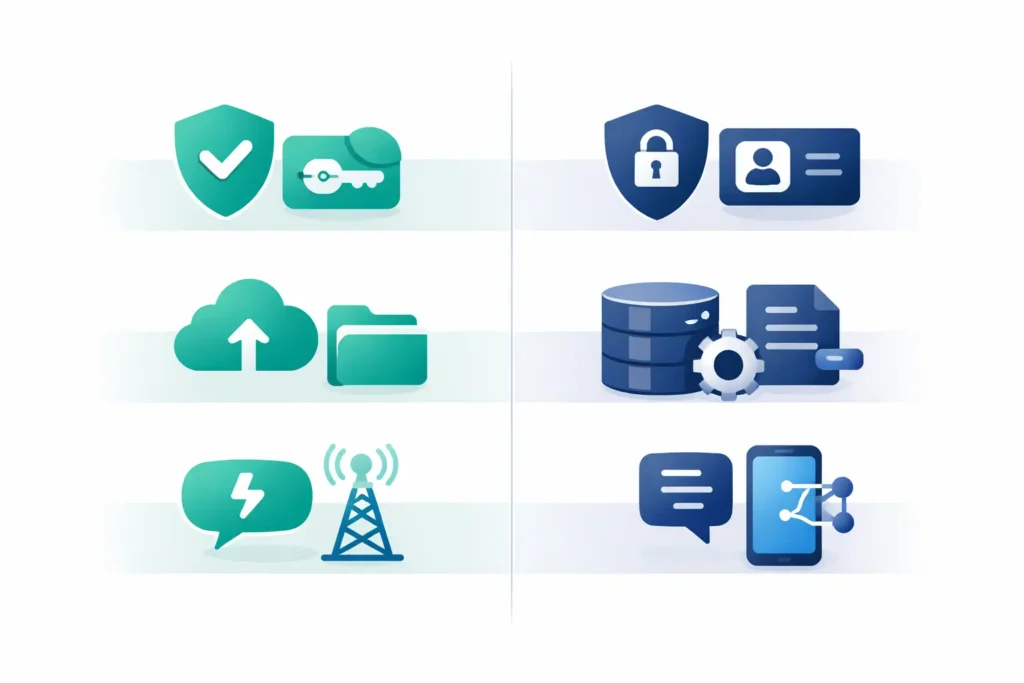
Our recommendation: If your application involves complex data relationships, reporting, or analytics, PostgreSQL (Supabase) delivers a stronger foundation. For simple, document-oriented data with minimal relationships, Firestore still performs well.
Pricing Comparison in 2026
Pricing models differ substantially between the two platforms. Supabase offers a free tier (500 MB database, 50,000 monthly active users) and a Pro plan at $25/month with 8 GB database storage, 100,000 MAUs, and $10 in compute credits. Furthermore, Supabase provides a spend cap feature that prevents unexpected billing spikes — a valuable safeguard for growing applications.
Firebase uses a purely usage-based model. The Spark (free) tier includes 1 GB of Firestore storage with 50,000 reads and 20,000 writes per day. Beyond that, the Blaze plan charges per operation: $0.18 per 100,000 reads, $0.18 per 100,000 writes, and $0.26 per GB stored. While this means you pay nothing upfront, costs can escalate unpredictably — especially with Firestore’s real-time listeners, which trigger read operations continuously.
For instance, a medium-traffic application with 200,000 monthly active users typically costs $35-75/month on Supabase Pro. The same application on Firebase Blaze could range from $50 to over $200/month, depending heavily on read patterns. Therefore, teams that need predictable budgets often prefer Supabase’s flat-rate approach.
Authentication, Storage, and Real-Time Features
Both platforms provide built-in authentication with email/password, social OAuth providers, and phone verification. Supabase includes SAML and single sign-on (SSO) support across all plans, while Firebase requires upgrading to the Identity Platform for enterprise SSO features. Additionally, Supabase recently introduced the ability to turn your project into a full OAuth2 identity provider — useful for building platform ecosystems.
For file storage, both platforms deliver capable solutions. Supabase provides S3-compatible object storage with built-in image transformations and CDN delivery. Firebase offers Cloud Storage backed by Google Cloud infrastructure. In practice, both handle file uploads, downloads, and access control effectively.
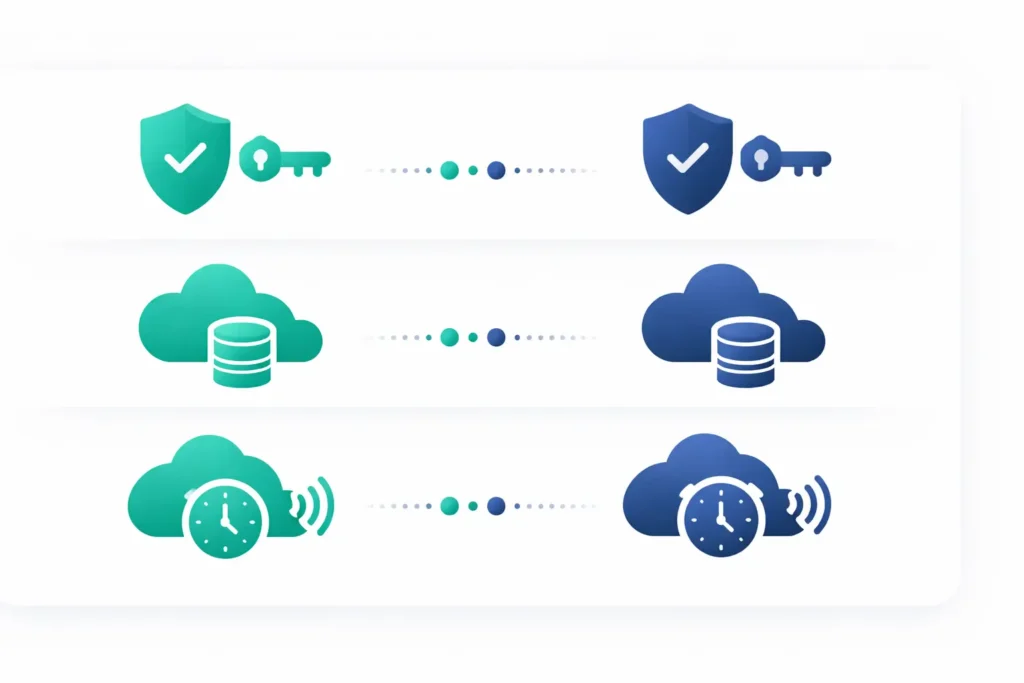
Real-time capabilities represent an area where Firebase still holds an edge. Firebase’s real-time listeners are mature, battle-tested, and handle presence detection, cursor sharing, and live updates seamlessly. Supabase provides real-time updates via PostgreSQL Change Data Capture (CDC), which works well for database-driven updates. However, Firebase’s real-time infrastructure handles a broader range of use cases with more flexibility.
Open Source and Vendor Lock-In
One of Supabase’s strongest advantages is its open-source foundation. The entire platform — including the database, authentication, storage, and admin dashboard — is available under the Apache 2.0 license. As a result, you can self-host Supabase using Docker, run it on your own infrastructure, and maintain full control over your data. This dramatically reduces vendor lock-in risk.
Firebase, in contrast, is entirely proprietary. Your data lives on Google’s infrastructure, and Firestore uses a proprietary data format. Migrating away from Firebase requires transforming your data structure, rewriting queries, and rebuilding authentication flows. While Google provides excellent uptime and reliability, this dependency creates a long-term strategic risk for businesses that value data sovereignty.
Specifically, because Supabase uses standard PostgreSQL, you can export your database and import it into any other PostgreSQL-compatible host — Amazon RDS, Google Cloud SQL, or a self-managed server. This portability gives teams genuine exit options without major reengineering effort.
SDK Support for Modern Development Stacks
Both platforms provide official SDKs for popular frameworks. Firebase’s FlutterFire package is mature and well-maintained, making it a solid choice for Flutter mobile app development. Similarly, Supabase’s supabase_flutter SDK (version 2) has grown rapidly and supports all core features, including authentication, database queries, and real-time subscriptions.
For React and Next.js projects, both platforms offer strong JavaScript SDKs. Supabase additionally provides server-side rendering (SSR) helpers and auto-generated REST and GraphQL APIs that simplify data fetching. Firebase countered with App Hosting (now generally available), which natively supports Next.js and Angular deployments.
For backend development with Laravel and Node.js, Supabase offers a natural advantage. Since Supabase runs PostgreSQL, Laravel’s Eloquent ORM connects directly — enabling migrations, seeders, and query builders that PHP developers already know. Firebase lacks an official PHP SDK and instead relies on community packages for Laravel integration.
When to Choose Which Platform
Choose Supabase when: Your application requires complex data relationships and SQL queries. You value open-source transparency and self-hosting options. Your team works with Laravel, PostgreSQL, or prefers relational databases. You need predictable monthly costs with a spend cap. You plan to integrate AI features using pgvector for embeddings and semantic search.
Choose Firebase when: You need rapid prototyping with minimal backend setup. Your application is mobile-first and benefits from deep integration with the Google ecosystem (Analytics, Crashlytics, FCM push notifications). You require advanced real-time features, such as presence detection and live cursors. Your data model is simple and document-oriented, with no complex relationships.
In many cases, teams even combine both platforms — using Firebase for push notifications and analytics while running Supabase as the primary database and authentication layer. This hybrid approach captures the strengths of each platform.
How Pegotec Helps Clients Choose the Right Backend
At Pegotec, we build applications using Laravel, Flutter, React, and Node.js — and we evaluate backend platforms based on each project’s unique requirements. Our team has implemented projects using both Supabase and Firebase, so we understand the trade-offs firsthand. We assess factors like data complexity, team expertise, budget constraints, and long-term scalability before recommending a platform.
Moreover, we help clients migrate between platforms when their needs evolve. Whether you are starting a new project or reconsidering your current backend architecture, our team provides honest guidance based on real-world experience. Contact Pegotec to discuss which backend-as-a-service platform fits your next application.
Conclusion
The decision between Supabase and Firebase ultimately comes down to your data model and development philosophy. Supabase gives you PostgreSQL power, open-source freedom, and predictable pricing. Firebase delivers a mature ecosystem, superior real-time capabilities, and seamless integration with Google Cloud. Both platforms continue to evolve — with Firebase adding PostgreSQL support and Supabase rapidly expanding its feature set. Therefore, evaluate your project requirements carefully and choose the platform that aligns with your technical architecture and business goals.
The main difference is the database. Supabase uses PostgreSQL, a relational SQL database, while Firebase uses Firestore, a NoSQL document database. This fundamental choice affects data modeling, querying capabilities, and long-term portability.
Supabase offers a free tier with 500 MB of database storage, 1 GB of file storage, and 50,000 monthly active users. Projects on the free tier pause after seven days of inactivity. The Pro plan starts at $25 per month, with significantly higher limits and a spend cap.
Yes. Supabase provides official migration tools for authentication, Firestore data, and file storage. The main challenge is restructuring your NoSQL document data into PostgreSQL relational tables. A typical migration takes one to two weeks, depending on application complexity.
Supabase integrates naturally with Laravel because it uses PostgreSQL. Laravel’s Eloquent ORM, migrations, and query builder work directly with Supabase’s database. Firebase lacks an official PHP SDK, so Laravel integration requires community packages and additional configuration.
Supabase offers more predictable pricing with its flat-rate Pro plan at $25 per month and a spend cap feature that prevents billing surprises. Firebase uses purely usage-based pricing where costs depend on read and write operations, which can fluctuate significantly with real-time listeners and high traffic.
Let's Talk About Your Project
Enjoyed reading about Supabase vs Firebase: Which Backend Should You Choose?? Book a free 30-minute call with our consultants to discuss your project. No obligation.